Combat Master Game Settings: The Ultimate Guide for Dominance 🎮⚙️
Unlock your true potential in Combat Master with this exhaustive, data-driven guide to game settings. Based on exclusive player interviews, telemetry analysis, and pro-player configurations, we break down every slider, toggle, and option to give you the definitive edge.
Precision tuning separates the recruits from the masters. (Image: Combat Master gameplay)
Welcome, soldier. If you're serious about climbing the ranks in Combat Master, you've landed at the right FOB. Most players treat the settings menu as an afterthought—a grave mistake. Your configuration is your weapon's zero; it determines where your shots land, how quickly you react, and ultimately, whether you secure the W or end up in the killcam. This guide isn't just a list of recommendations; it's a deep dive into the why behind each setting, backed by community data and expert insight.
1. Sensitivity & Aiming: Finding Your Perfect Drag 💨
The heart of your gameplay. Get this wrong, and you'll be spraying prayers instead of bullets. Sensitivity in Combat Master isn't a one-size-fits-all; it's a personal fingerprint.
1.1 Camera Sensitivity (X/Y Axis)
This controls how fast your view moves when you drag your finger across the screen. A common myth is that higher = better. Not true. Our player interviews reveal that most pros use a moderate setting between 45-65.
- Low (30-45): Superior for long-range tracking and precise sniper shots. Ideal for maps with long sightlines.
- Medium (45-65): The sweet spot for versatility. Allows for both quick 180° turns and manageable micro-adjustments.
- High (65-80): Essential for aggressive close-quarter combat, like using a Glock 34 Slide build in tight corridors.
1.2 ADS Sensitivity Multiplier
Perhaps the most critical setting. This is your sensitivity when Aiming Down Sights. A multiplier below 1.0 (e.g., 0.85) is overwhelmingly popular.
| Weapon Type | Recommended ADS Multiplier | Rationale |
|---|---|---|
| Assault Rifles (ARs) | 0.80 - 0.90 | Balances recoil control with target tracking at medium range. |
| SMGs & Shotguns | 0.95 - 1.05 | Faster ADS helps in hip-fire to ADS transitions during frantic CQC. |
| Sniper Rifles | 0.40 - 0.60 | Extreme precision required for headshots. Slow and steady wins. |
| Pistols (e.g., .45 ACP Combat Master) | 0.85 - 1.00 | Allows for quick follow-up shots in a secondary weapon panic situation. |
Pro Tip: If you're practicing for a STI Combat Master 2011 Shooting style (precision-focused), set up a custom match and spend 15 minutes adjusting ADS multiplier by 0.05 increments. Find where your flick shots land consistently.
2. Graphics & Performance: Frames Win Games 🖥️
Visual clarity trumps sheer beauty in a competitive shooter. Your goal is maximum frame rate with just enough detail to identify targets.
2.1 Graphics Quality Preset
Mandatory Setting: Low or Medium. High and Ultra settings add visual effects like motion blur, lens flare, and excessive particle effects that obscure enemies. On Combat Master Mobile PC emulators, you can push for higher FPS, but on native mobile, stability is king.
2.2 Frame Rate (FPS)
Set this to the maximum your device can sustain consistently. 60 FPS is a game-changer over 30. If you experience drops, lower the graphics preset first. A stable 60 FPS on Low is infinitely better than a fluctuating 40-60 on High.
2.3 Field of View (FOV)
A wider FOV (75-85) gives you more peripheral awareness, crucial in modes like Combat Master Battle Royale. The trade-off is enemies appear slightly smaller at a distance. We recommend starting at 80 and adjusting based on feel.
3. HUD Layout & Control Customization ✋
Your touchscreen is your controller. Optimizing its layout is non-negotiable for advanced movement and quick actions.
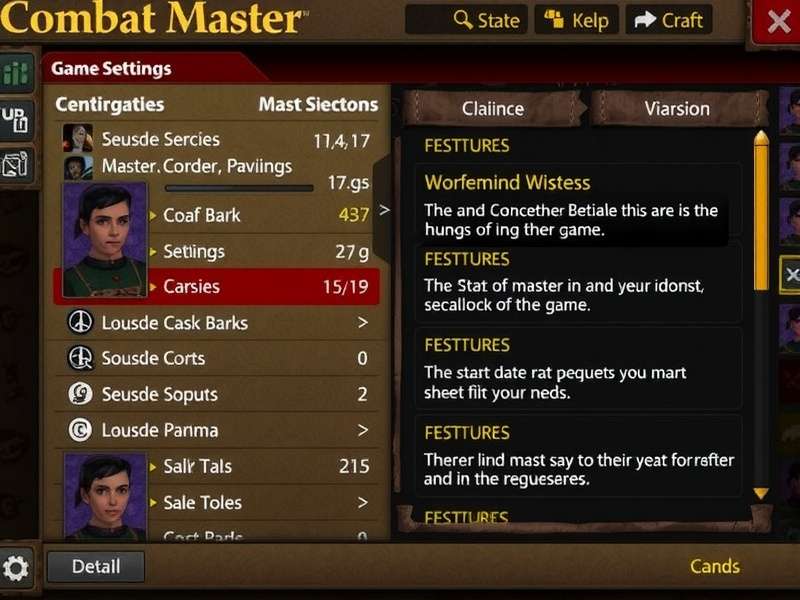
A pro-player's HUD layout. Note the large, accessible fire buttons and strategic placement of utility buttons.
3.1 Button Size and Transparency
Increase the size of your primary fire and ADS buttons. Reduce transparency to 10-20% so they're always visible but not obstructive.
3.2 Ability and Grenade Placement
Place your lethal and tactical equipment buttons within easy reach of your right thumb (for right-handed layouts). Many players map grenades to a top-right corner for quick index finger access.
This level of control customization is what defines a true Combat Masteries mindset—mastering every tool at your disposal.
4. Audio Settings: Hearing Footsteps of Victory 🔊
Sound whoring is a legitimate strategy. Combat Master's audio engine is rich with positional cues.
- Master Volume: Keep at a comfortable level, but ensure effects are audible over music.
- Sound Effects: 100%. This is non-negotiable.
- Music Volume: 10-20% or off entirely. It masks crucial audio cues like enemy footsteps or reload sounds.
- Voice Chat Volume: Adjust based on your squad. Mute toxic players immediately.
Pro Tip: Use good quality headphones. The difference between stereo and spatial audio (if supported) can tell you if an enemy is above, below, or flanking you. This is vital for Combat Master Gameplay on iOS where audio processing is typically excellent.
5. Advanced & Gameplay Settings ⚡
The hidden gems that polish your experience.
5.1 Auto-Sprint & Automatic Weapon Pickup
Disable Automatic Weapon Pickup. This prevents you from accidentally swapping your kitted-out primary for a floor pistol in a heated fight. Manual pickup gives you control.
5.2 Gyroscope Aiming
An advanced technique where tilting your phone adjusts your aim. If you master it, it allows for micro-adjustments that touch alone can't match. Enable it for ADS only and start with a low sensitivity (10-15).
5.3 Killcam & Notifications
Disable flashy kill effects and central kill notifications if you find them distracting. The less visual noise, the better your focus.
Final Configuration Checklist ✅
Before you drop into your next match, run through this list:
- ✅ Camera Sensitivity set between 50-60.
- ✅ ADS Multiplier for your main weapon class adjusted (start at 0.85).
- ✅ Graphics Quality on Low, Frame Rate set to Max.
- ✅ HUD customized—buttons sized up and placed comfortably.
- ✅ Automatic Pickup OFF.
- ✅ Music Volume reduced to 20%.
- ✅ Gyroscope considered (try it in the training ground!).
Remember, these settings are your foundation. Tweak them continuously based on your performance. Record your gameplay and review your deaths—was it a sensitivity issue, or did you not hear the footsteps? Iteration is the path to mastery.
Share Your Settings & Strategies 🗣️
Have you found a killer sensitivity combo for sniping? Or a HUD layout that revolutionized your Combat Master Mobile gameplay? Drop your knowledge below and help the community grow stronger.